live product demonstration
Live Product Demonstrations: Plan the Stand Space, Team and Rehearsal
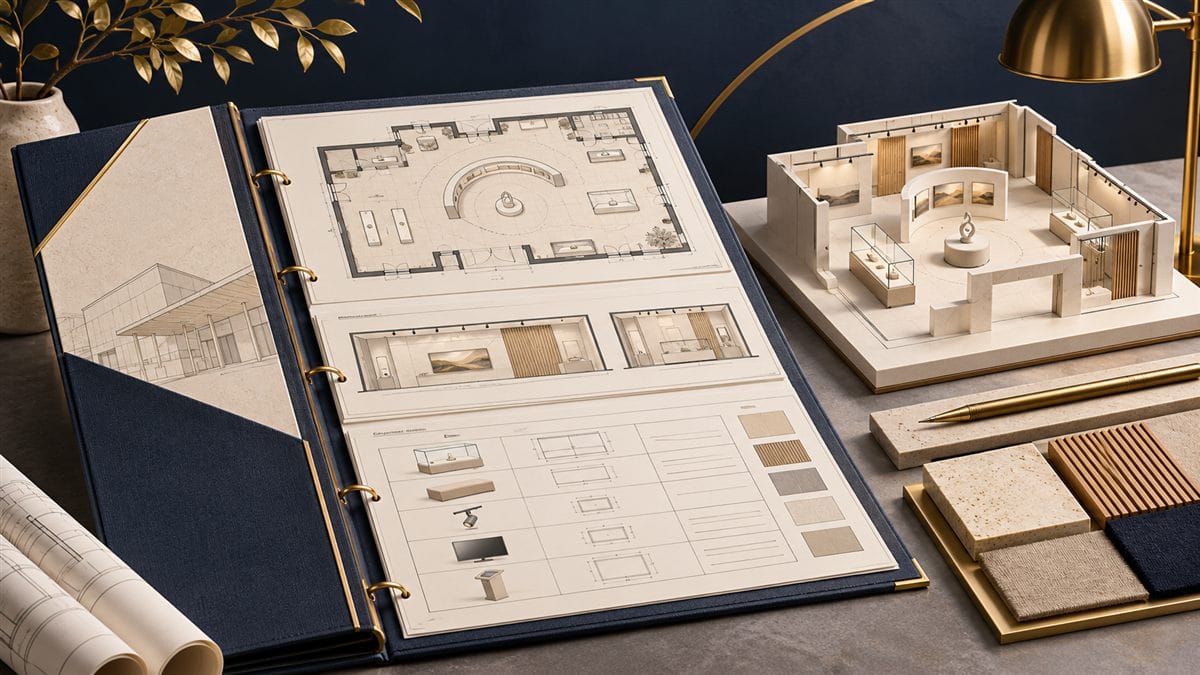
Cover: a topic-specific illustrative visualisation.
A live product demonstration needs more than a prominent screen or a space beside the display. The operator must be able to explain and reset the demonstration, visitors need a useful view, and the surrounding stand must continue to function while people watch.
This is a planning guide for the stand brief, not operating instructions for machinery, medical equipment or any other specialist product. The manufacturer, organiser and qualified technical team must determine the relevant operating, safety and service requirements.
Define what the visitor should understand
Choose the feature or product decision that benefits from a live demonstration. Explain what a visitor can learn by watching or participating that would not be clear from a static display. Avoid building a complex demonstration simply because it creates movement; the activity should serve a recognisable product question.
Write a short scenario covering the introduction, the visible action, the explanation and the next step. Decide whether the demonstration is continuous, scheduled or offered on request, because each format changes staffing and waiting arrangements.
Plan operator, observer and waiting positions
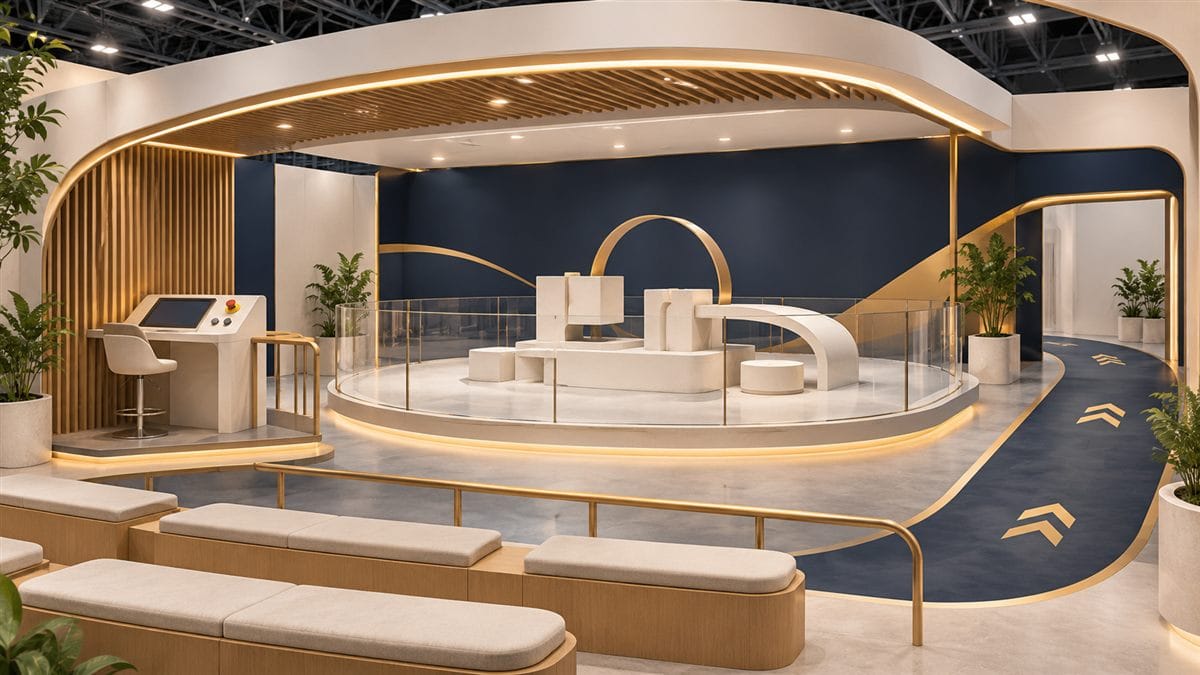
Use the real equipment dimensions, including doors, moving parts, access and any service clearances specified by the responsible specialists. Show where the operator stands, where observers can see the useful action and where another visitor waits without occupying an aisle or blocking the stand entrance.
Check the view from different positions. A large product may conceal the operator’s explanation, while a small action may be impossible to see from behind another person. A camera or secondary screen may help the presentation, but should be selected around the actual viewing problem rather than added by default.
Prepare a demonstration worksheet
- Product and sequence: What is demonstrated, by whom and in which order?
- Equipment: What arrives with the exhibitor, what the stand supplier provides and who receives each item?
- Technical needs: What approved electrical, data, water, air or other requirements must the specialist team coordinate?
- Staff roles: Who presents, who manages questions and who helps the next visitor?
- Reset: What must happen between demonstrations, including replenishment, cleaning or a specialist check?
- Fallback: What approved alternative can be shown if the live demonstration cannot run?
Keep this worksheet with the layout and current equipment information. A change to the demonstration product can affect much more than its label.
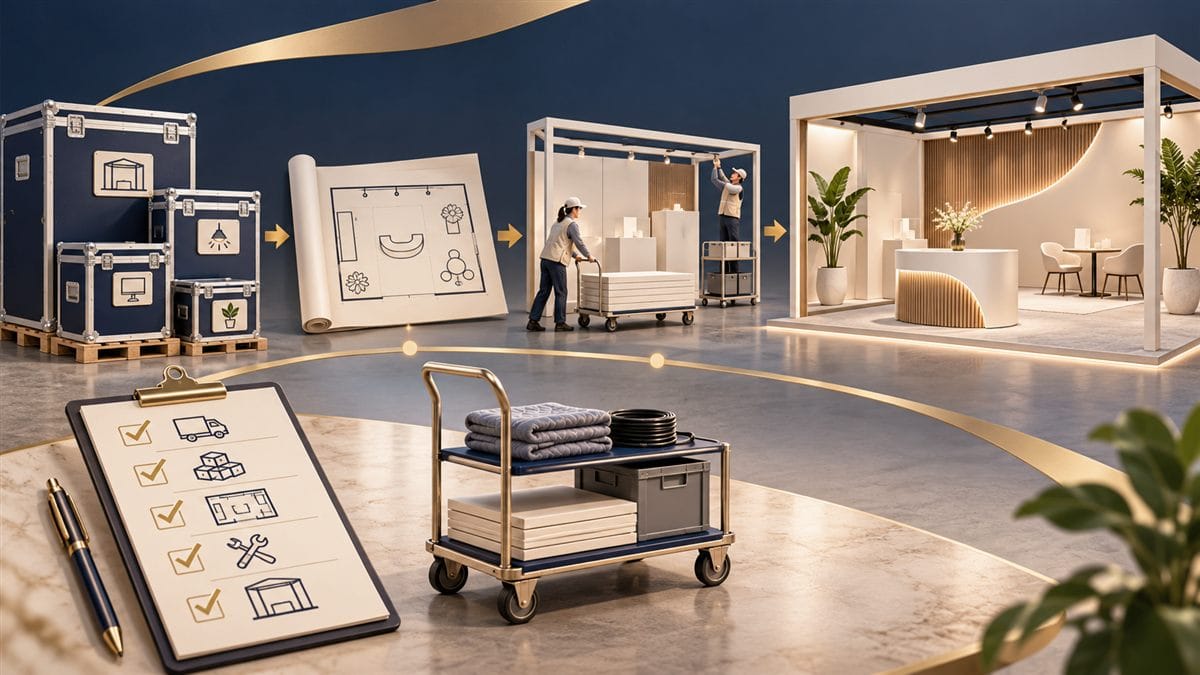
Coordinate services and scope before installation
Confirm venue permissions and the appointed provider for any specialist service. Obtain the equipment supplier’s current requirements; do not infer power or connection needs from a similar-looking product. Qualified people must establish the installation and safe operating arrangements.
Separate organiser orders from the agreed stand works. Under Zana’s turnkey scope, organiser charges for services such as electricity supply, water, compressed air, internet and rigging points are excluded and paid by the exhibitor. Our team can support the ordering and coordination process. Identify the person responsible for the demonstrator equipment itself as well.
Rehearse the complete encounter
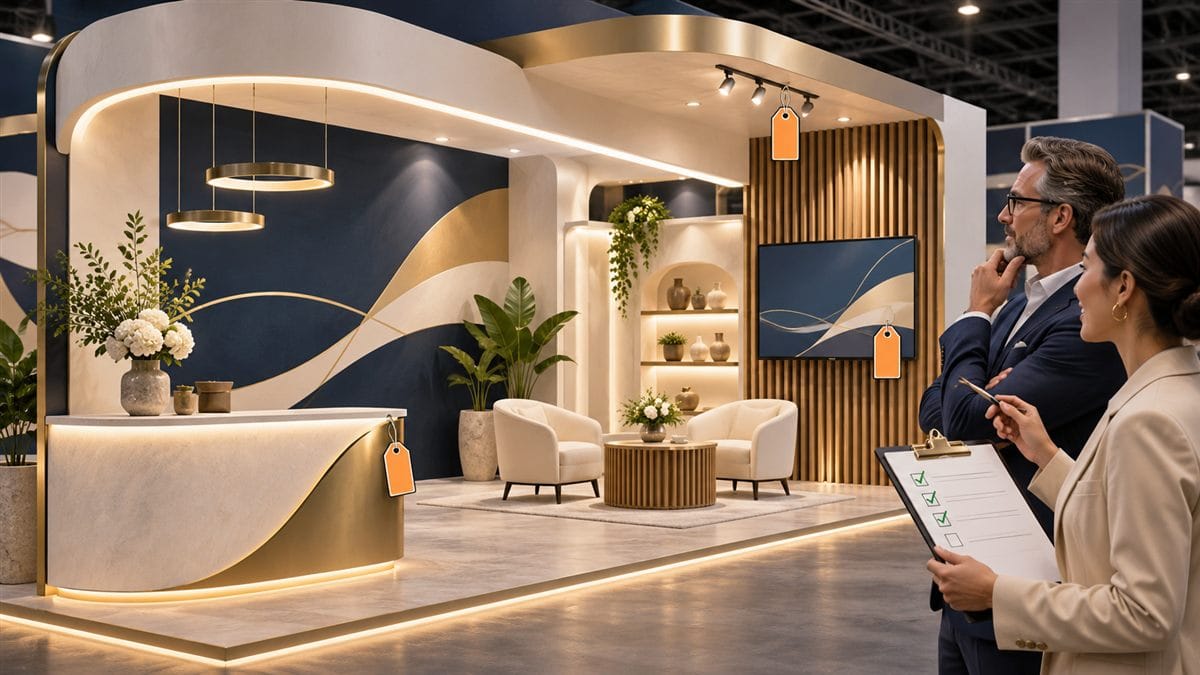
Run the demonstration with the final furniture, products, screens and lighting in place. Ask a colleague unfamiliar with the presentation to observe: can they see the relevant action, understand the explanation and leave the area without disrupting another conversation?
Rehearse the reset and the fallback, not just the successful run. Make sure staff know who to contact if an unexpected condition appears. An untrained staff member should not improvise a technical repair to keep a demonstration going.
Bring the demonstration into the stand concept
Our custom exhibition stand service can consider the viewing and operating arrangement with the rest of the layout. The lighting guide provides related product-viewing checks. Send your equipment information and demonstration scenario when requesting a proposal so the relevant dependencies are visible from the start.